
Get started
To get started, navigate to the Digirati IIIF Cloud Service TaNC Sandbox environment.
If you have not yet logged into your account, please follow the steps below.
Access to your account
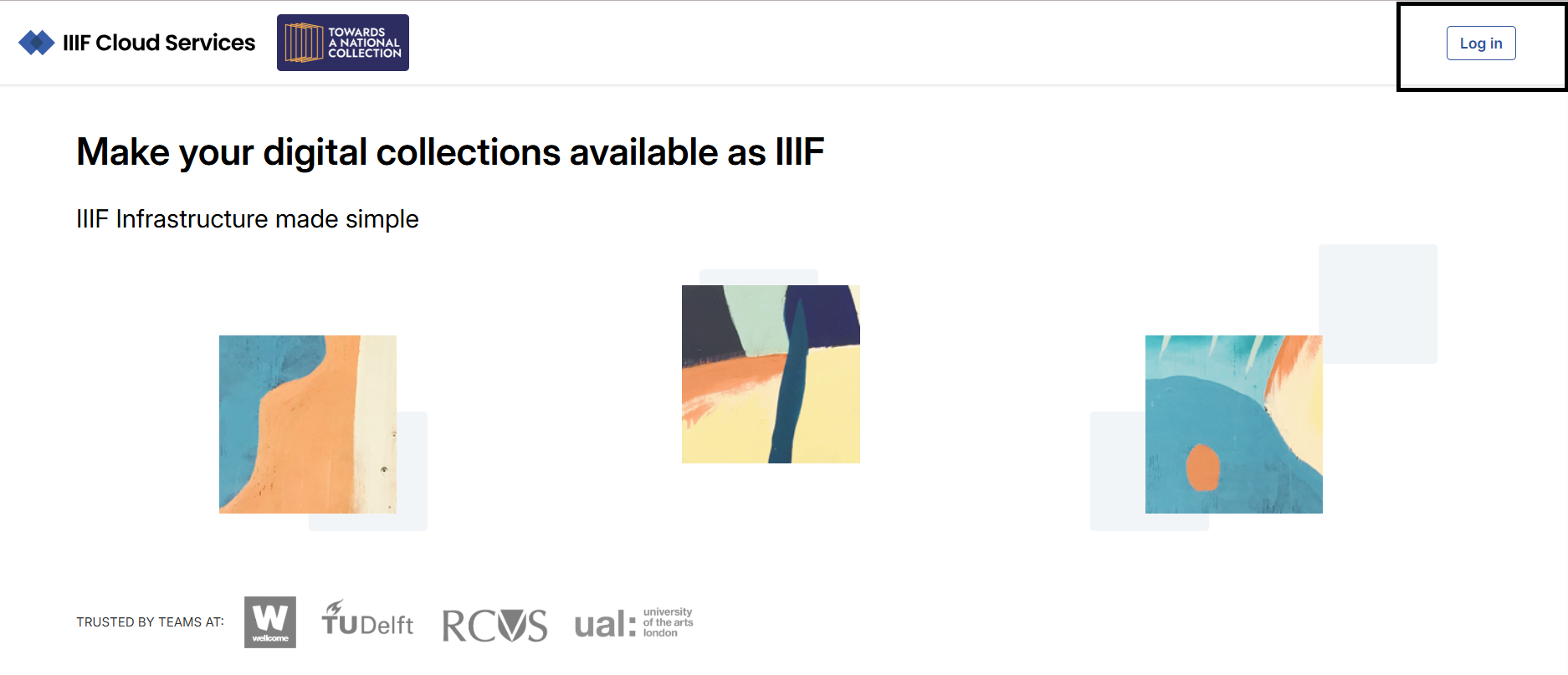
Navigate to https://management.dlcs-trial.digirati.io/ and select the ‘Login’ option:
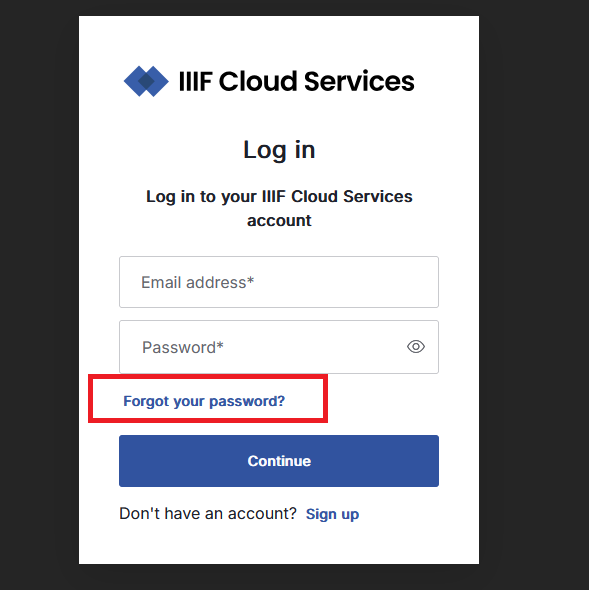
Then select the Forgotten password option (your registered email address) to reset your password:
Enter your registered email address:
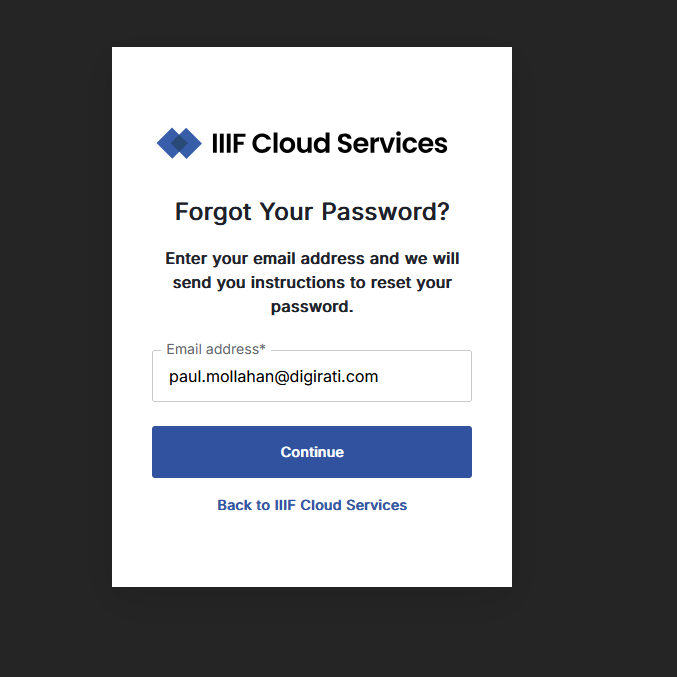
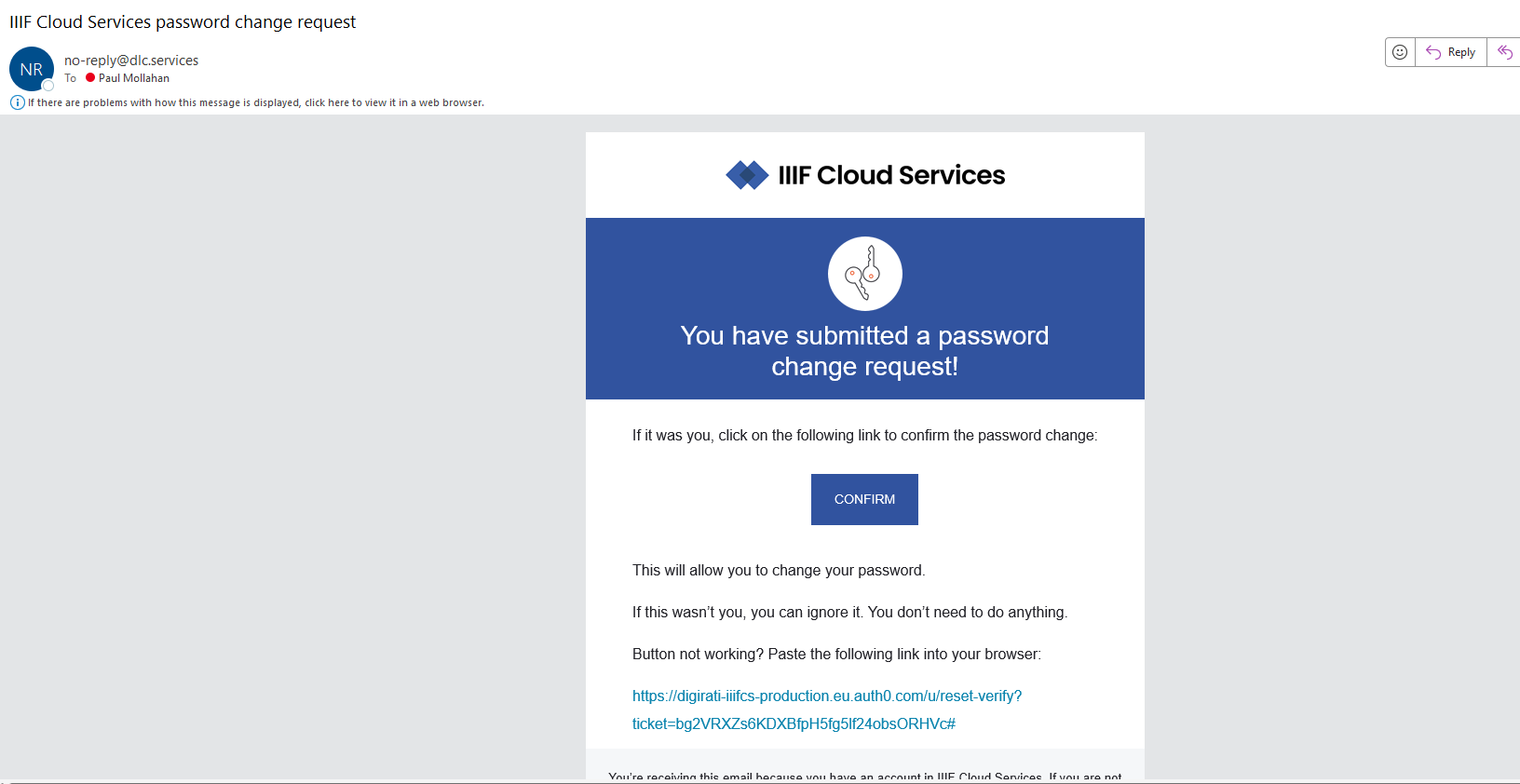
Enter your email address and click ‘Continue’. You should receive an email with instructions to set your password. If you have any issues - please let us know in the Q&A/chat and we will have someone take a look to help you.
Clicking on the link contained in the email should navigate you to a Change Password screen, where you can create your password.
Once you have successfully set your password, you can then login to your account.
On login, you should then be navigated to https://management.dlc.services/Services/IIIF/Home; if not, click on the IIIF Cloud Services icon on the top left of the screen to be redirected to the home page.
